How does passing through a portal change size?
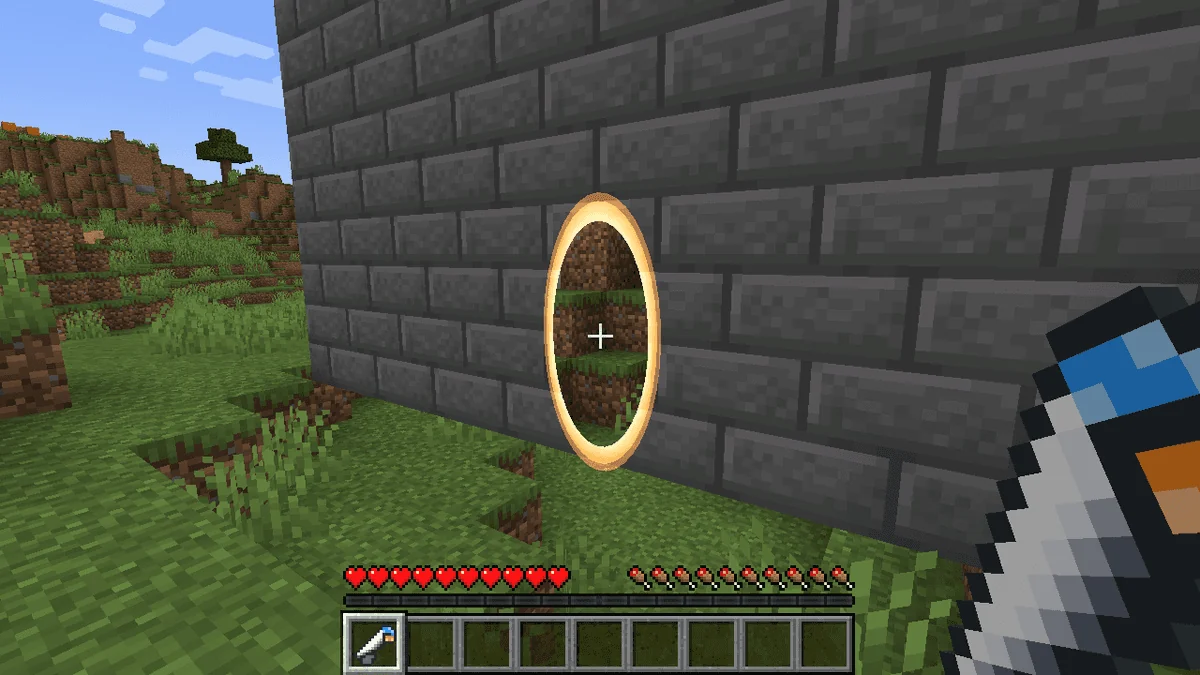
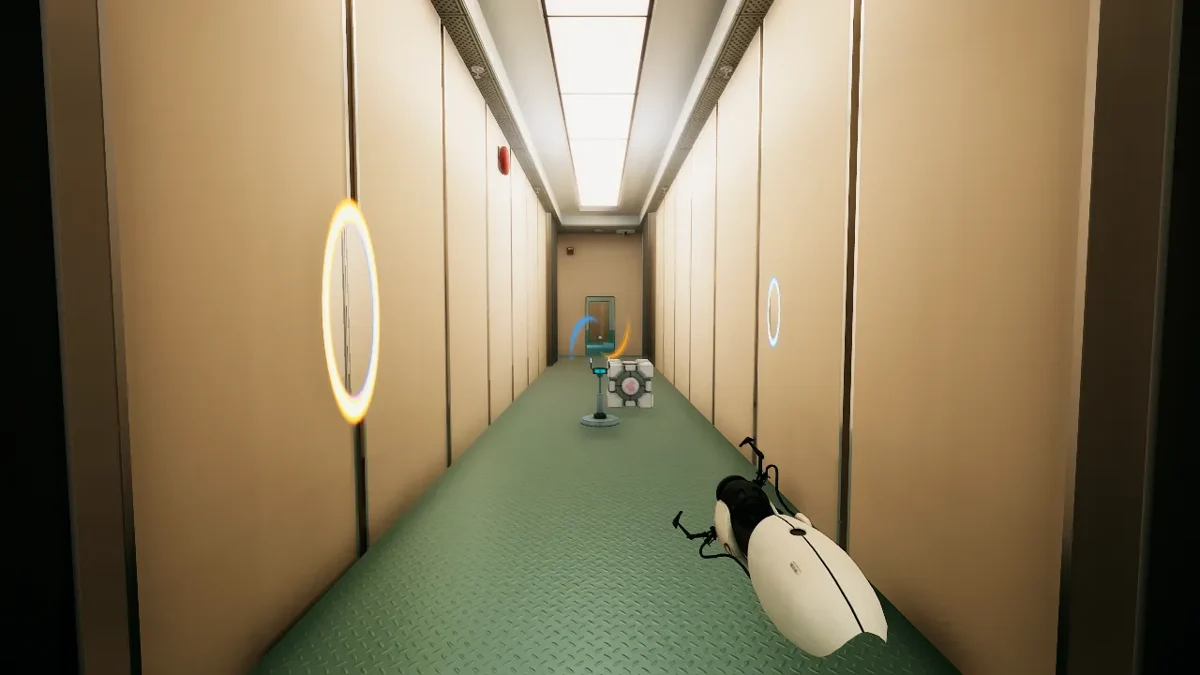
The release applies Superliminal's perspective rule to the openings themselves. Walk into a small portal and leave a large one to grow; objects passing through are resized to the other opening as well. Grabbing through the pair lets you retrieve an object at a different size. A companion cube is listed in every level as another object to manipulate.
Which keys shoot, close or reset the portals?
Q or left click places blue, and E or right click places orange. Mouse buttons still grab and rotate when you aim at something you can pick up, so the keyboard bindings separate shooting from object handling. F closes both portals, Backspace restores normal player size, and M toggles Portal's music. These controls are specific to this mashup rather than a standard Portal key layout.
Do you need to restart the campaign to find the gun?
A new game puts the gun on a pedestal in the first level's opening hallway. For a save past the first level, the listing says you already carry it. It also says existing Superliminal saves and settings are untouched; that is a creator statement, not a save-safety test by this directory. The first version uses a fixed gun pose and provides no subtitles for GLaDOS.
Limitations and things to know
- Keyboard and mouse only in the first version.
- The gun is displayed in a fixed pose.
- GLaDOS has no subtitles.
- Save-preservation and campaign coverage are release claims; no executable versions are specified.
This is an editorial overview, not a claim of hands-on testing. Listings can change; use the linked Melty page for current access and creator information.
Sources and attribution
Creator-listed features and access conditions, reviewed 2026-10-11. This directory has not installed or tested the game package.