What changes inside Hello Neighbor’s house?
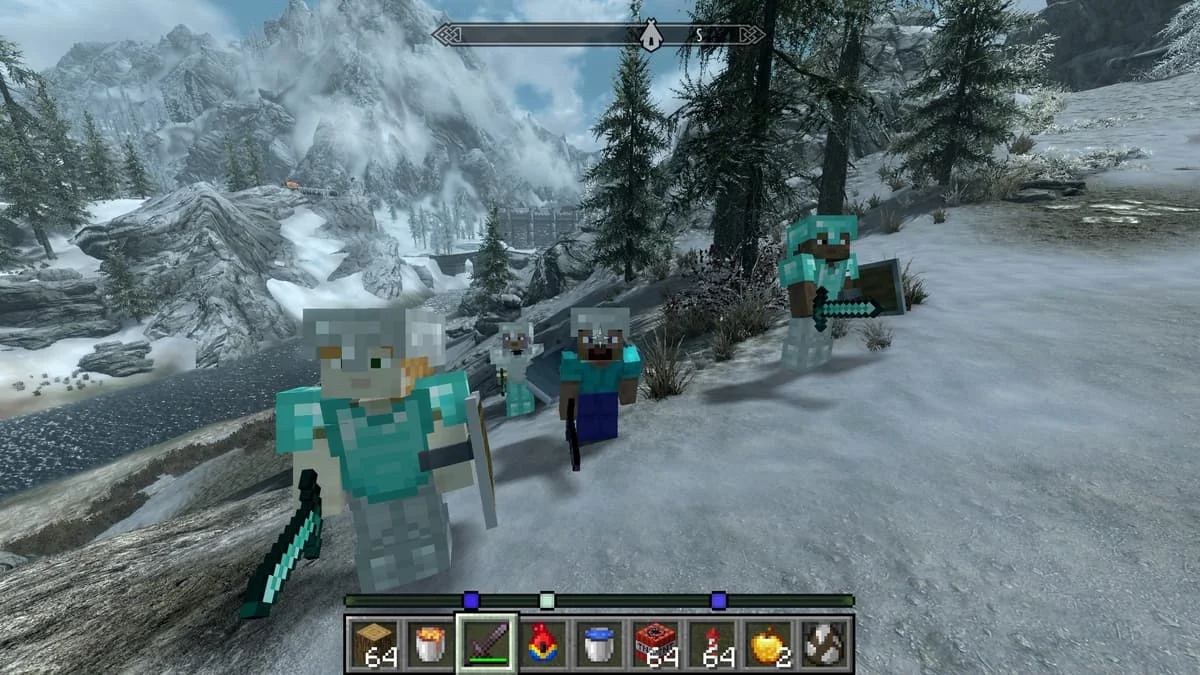
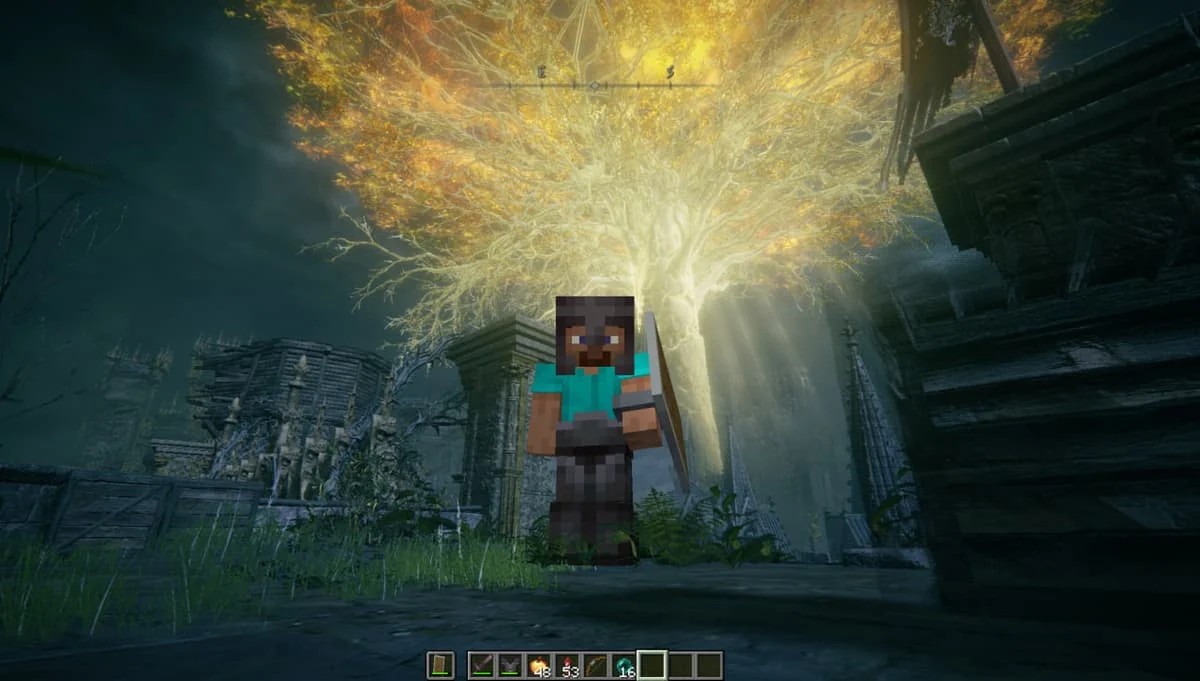
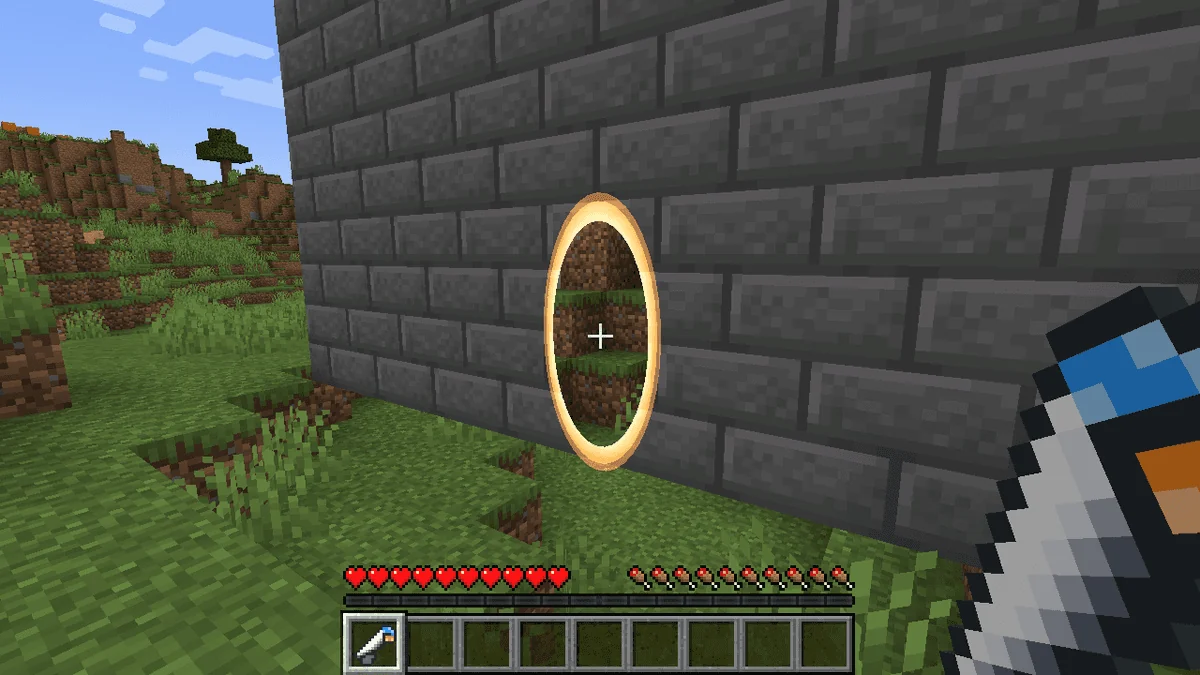
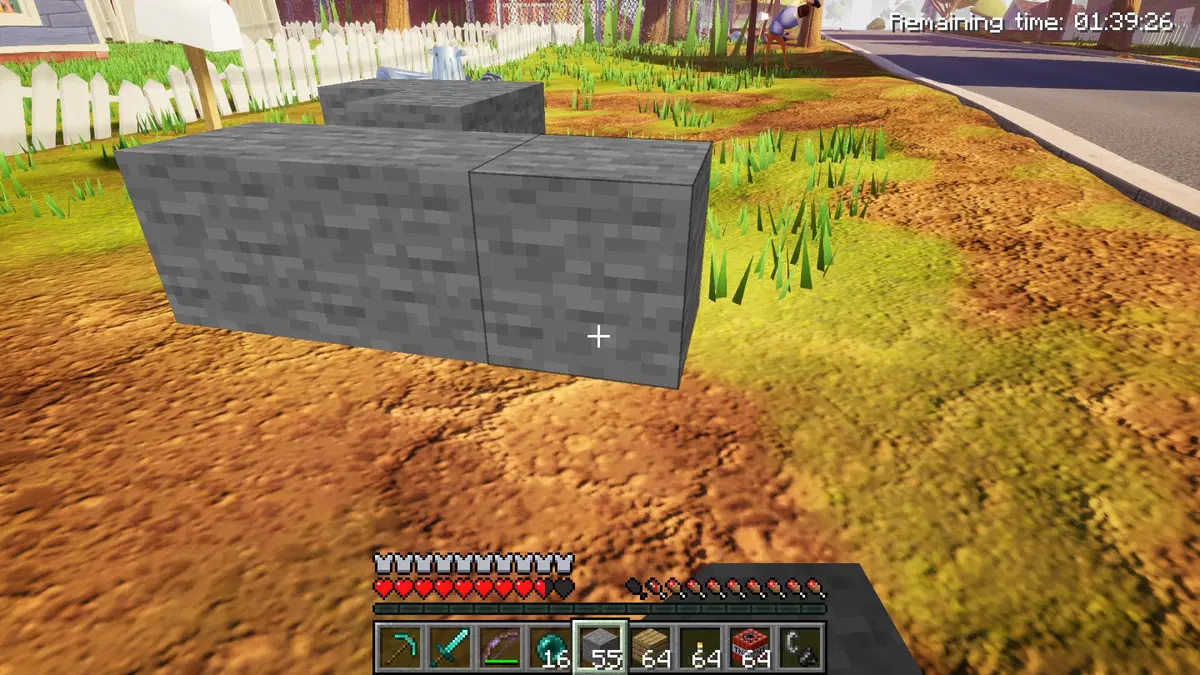
Hello Neighbor remains on screen and the Neighbor continues pursuing you. The hidden Minecraft client shares its player, blocks, inventory, items and mobs with the house. The listing describes placing or breaking Minecraft blocks on the host game’s surfaces, then combining construction with throwing or using objects to make an escape route.
When should you switch movement modes?
F4 toggles Minecraft movement. The listing warns that the Act 1 basement chase and finale boss can require Hello Neighbor movement, so keep that switch available rather than assuming Minecraft movement covers the whole game. F6 redraws Minecraft blocks; it is a separate control, not a movement switch.
What should you expect from this particular listing?
The block-break-in URL currently displays the title “BNBI(currently cant fix bugs)”. Its description credits HelloCraft by Gaming with ACK and adaptations from SkyCraft; that does not establish the listing profile as the original maker. Held Hello Neighbor items can lag, geometry is scanned as you explore, and elytra and ender pearls are described as unreliable. These are source-reported limitations, not results from our own playtesting.
Limitations and things to know
- Held Hello Neighbor objects can lag, and level geometry is scanned as you explore.
- Act 1’s basement chase and the finale boss may require Hello Neighbor movement via F4.
- Elytra and ender pearls may be unreliable. Exact Hello Neighbor game-build support is not stated in the main listing.
- The current title explicitly warns that bugs cannot presently be fixed; this is not a verified stable release.
This is an editorial overview, not a claim of hands-on testing. Listings can change; use the linked Melty page for current access and creator information.
Sources and attribution
Creator-listed features and access conditions, reviewed 2026-10-19. This directory has not installed or tested the game package.