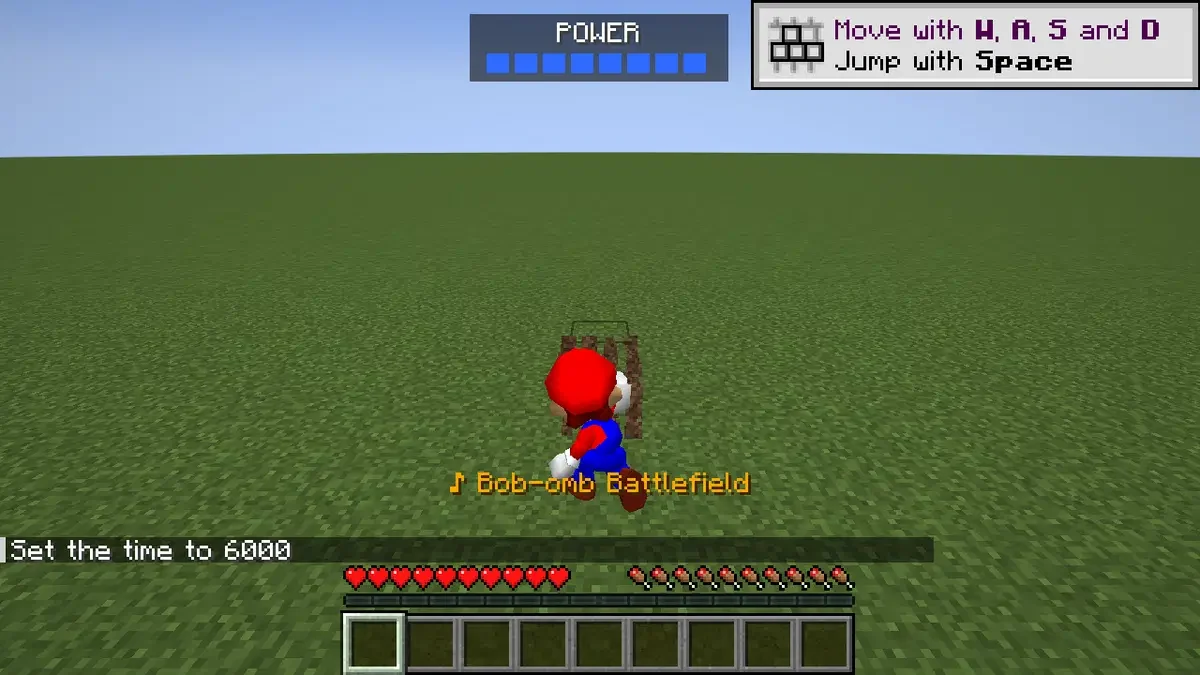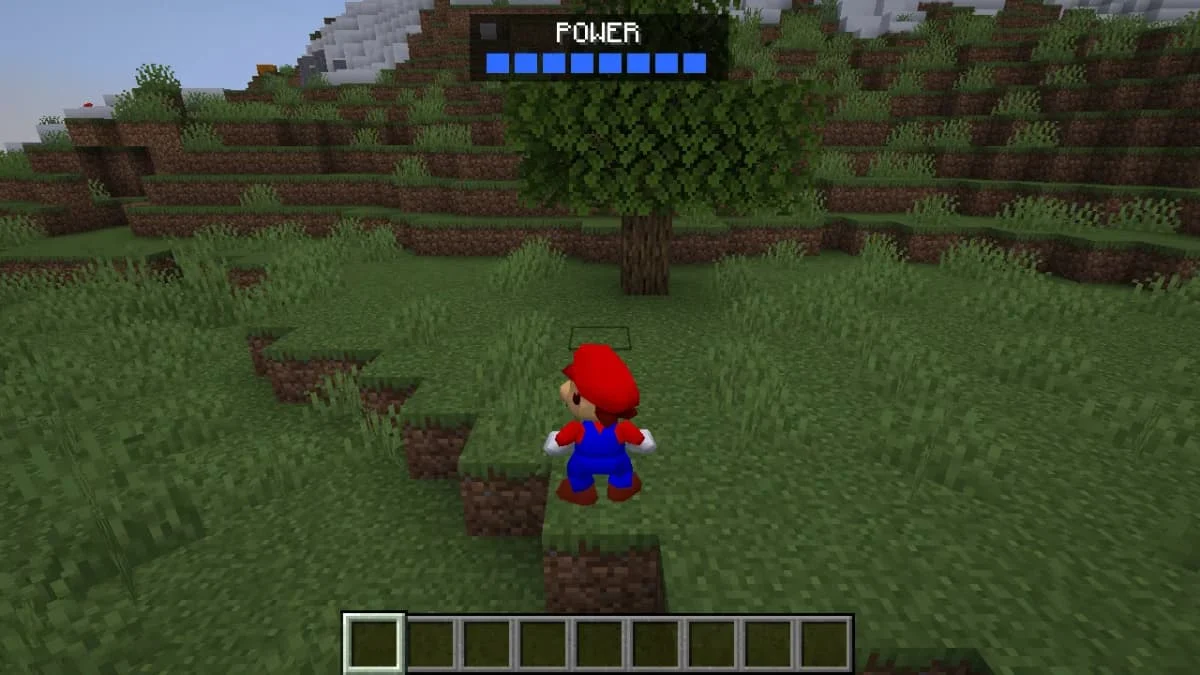
How do you turn into Mario and learn the controls?
M switches between Mario and the Minecraft player. H pins the controls card, which is the useful starting point for learning this movement set rather than applying ordinary Minecraft jump habits. The release lists triple jumps, long jumps, backflips, wall kicks, ground pounds and swimming; it also supports a gamepad using an Xbox layout.
How does Mario interact with Minecraft terrain and mobs?
The listing describes stairs acting as ramps, slippery ice and a burn jump from lava. Mario can stomp and punch mobs. His soundtrack follows the environment using music from the supplied ROM. These terrain interactions make the choice more specific than a Mario skin: you are bringing a different movement system into a Minecraft world.
Which ROM and Minecraft edition do you need?
The published requirements name a Super Mario 64 USA ROM and a Minecraft: Java account. Other ROM regions and Bedrock Edition are not substitutes established by the listing. The first start builds libsm64 on your own PC. Zckyy is the explicit maker credit; Melty is the publishing profile. No operating-system or Minecraft-version compatibility is specified.
Limitations and things to know
- Single-player only.
- Requires your own USA ROM; no ROM is provided by this directory.
- No operating-system or Minecraft-version support matrix is listed.
This is an editorial overview, not a claim of hands-on testing. Listings can change; use the linked Melty page for current access and creator information.
Sources and attribution
Creator-listed features and access conditions, reviewed 2026-10-12. This directory has not installed or tested the game package.