How do you enter Night City as V1?
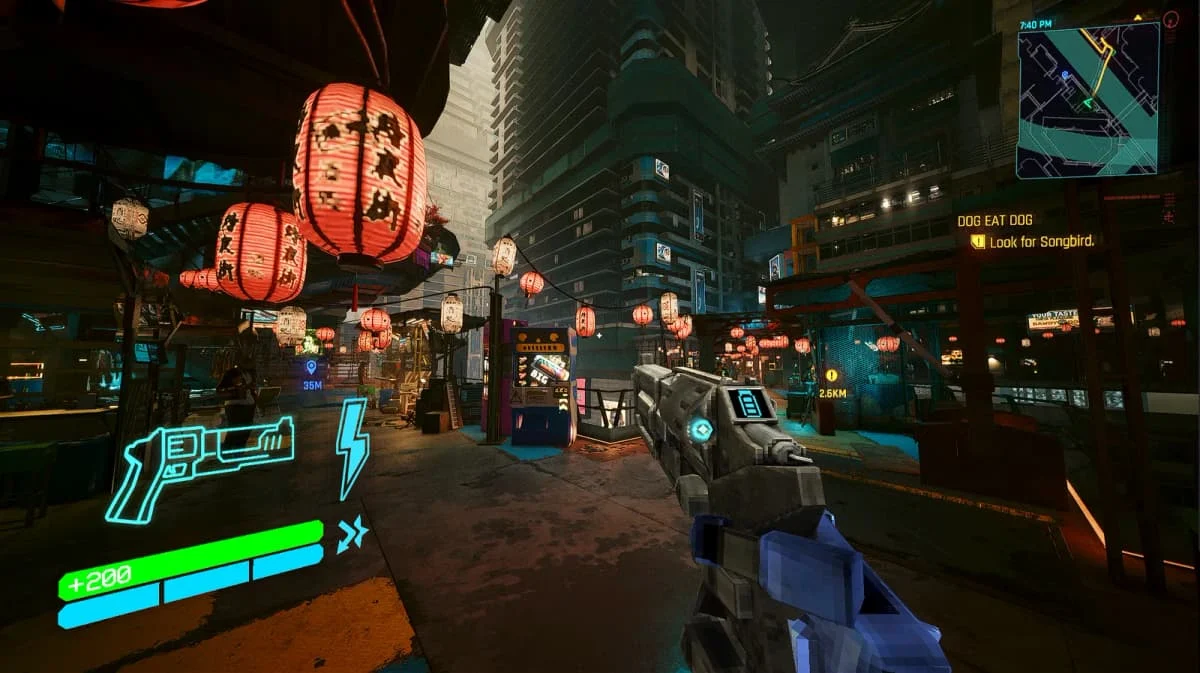
The published Melty flow starts Cyberpunk first with ULTRAKILL waiting minimized. Load your Cyberpunk save; once it is ready, ULTRAKILL takes the screen and V1 enters the city. F8 in ULTRAKILL’s main menu is another route to the Night City stage. The listing does not name supported storefronts, operating systems or exact game builds, so check its current package requirements before installing.
How do you interact with Cyberpunk menus and vehicles?
T uses what V1 is looking at, including dialogue, loot, doors and entering a car. F2 brings the other game forward for Cyberpunk menus, dialogue and the phone. Driving uses Cyberpunk’s WASD, Space, F and V controls; leaving the car brings V1 back. Esc opens the UltraPunk panel while pausing ULTRAKILL, and Ctrl+F9 toggles the Cyberpunk picture.
What fights back, and what happens when you quit?
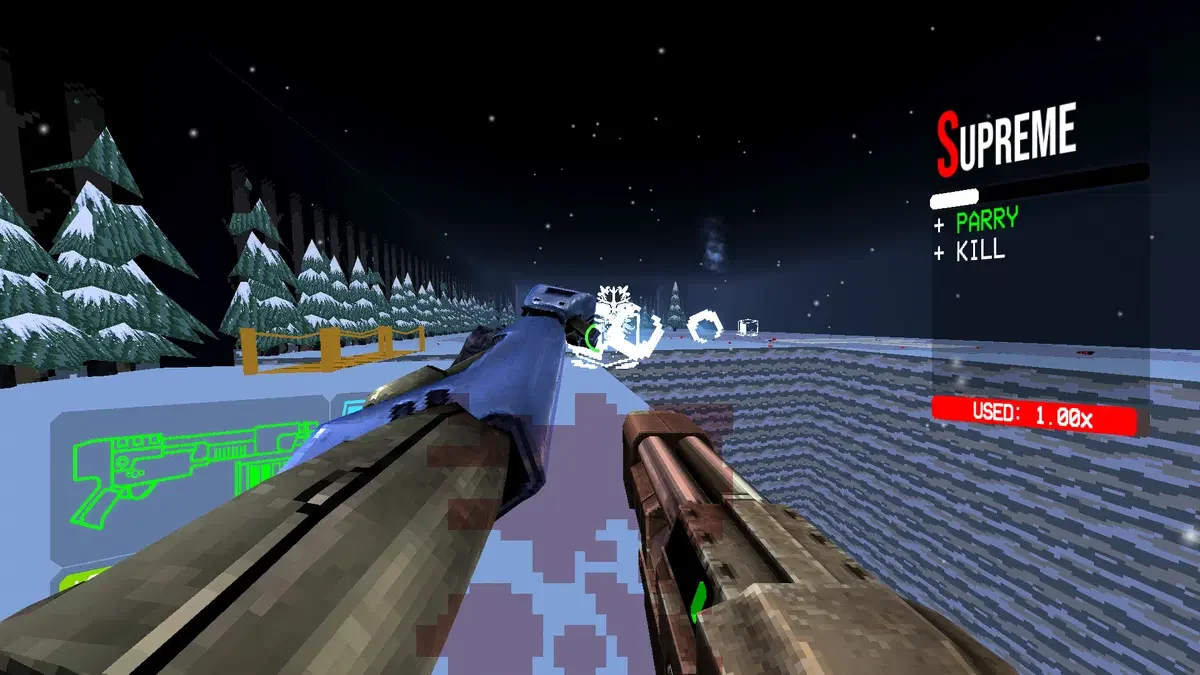
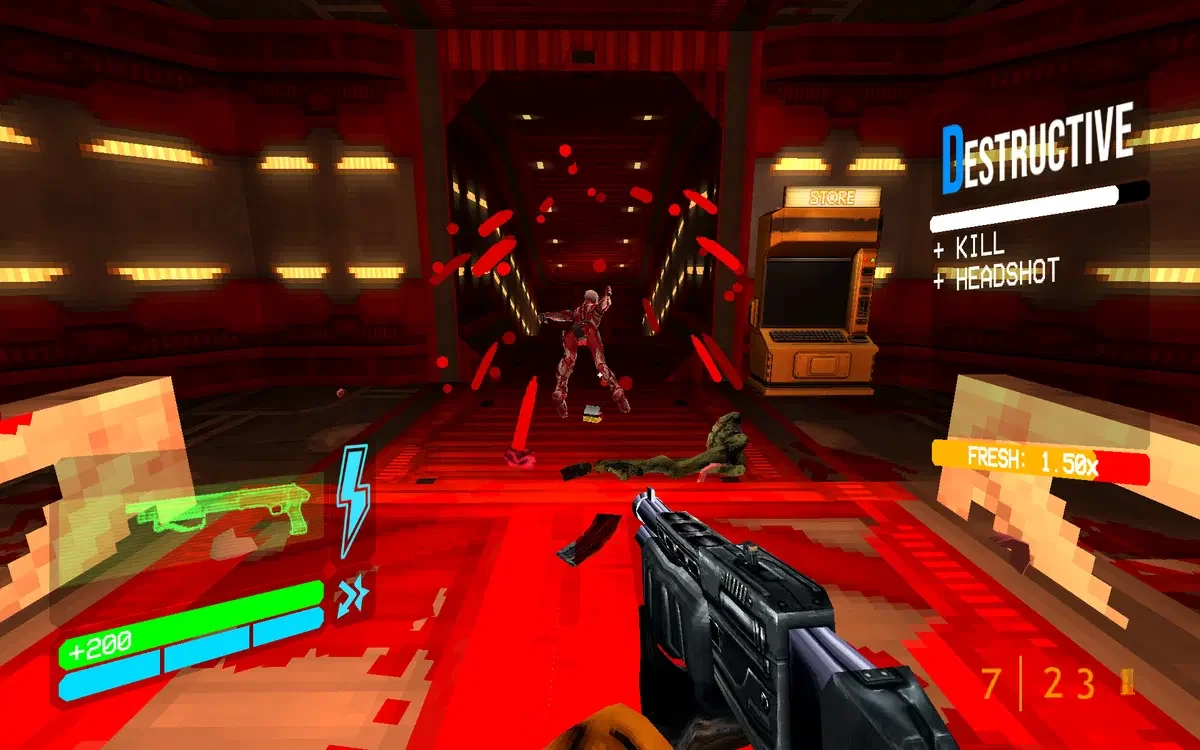
The listing includes Night City people, cars, turrets, mechs and bosses as responsive combat targets. It also brings ULTRAKILL music into fights and allows ULTRAKILL enemies on the streets. Closing either game closes both. The stated quick-save on closing ULTRAKILL applies outside fights; it is not a general save-safety guarantee or a reason to treat combat shutdown as preserving progress.
Limitations and things to know
- Solo only; both games run at once.
- No operating-system, storefront or executable-version support is specified.
- Closing one game closes both.
- The listed shutdown quick-save applies outside fights, not all situations.
This is an editorial overview, not a claim of hands-on testing. Listings can change; use the linked Melty page for current access and creator information.
Sources and attribution
Creator-listed features and access conditions, reviewed 2026-10-12. This directory has not installed or tested the game package.